Red-Light and Speed Camera Tickets: How to Verify and Dispute Them
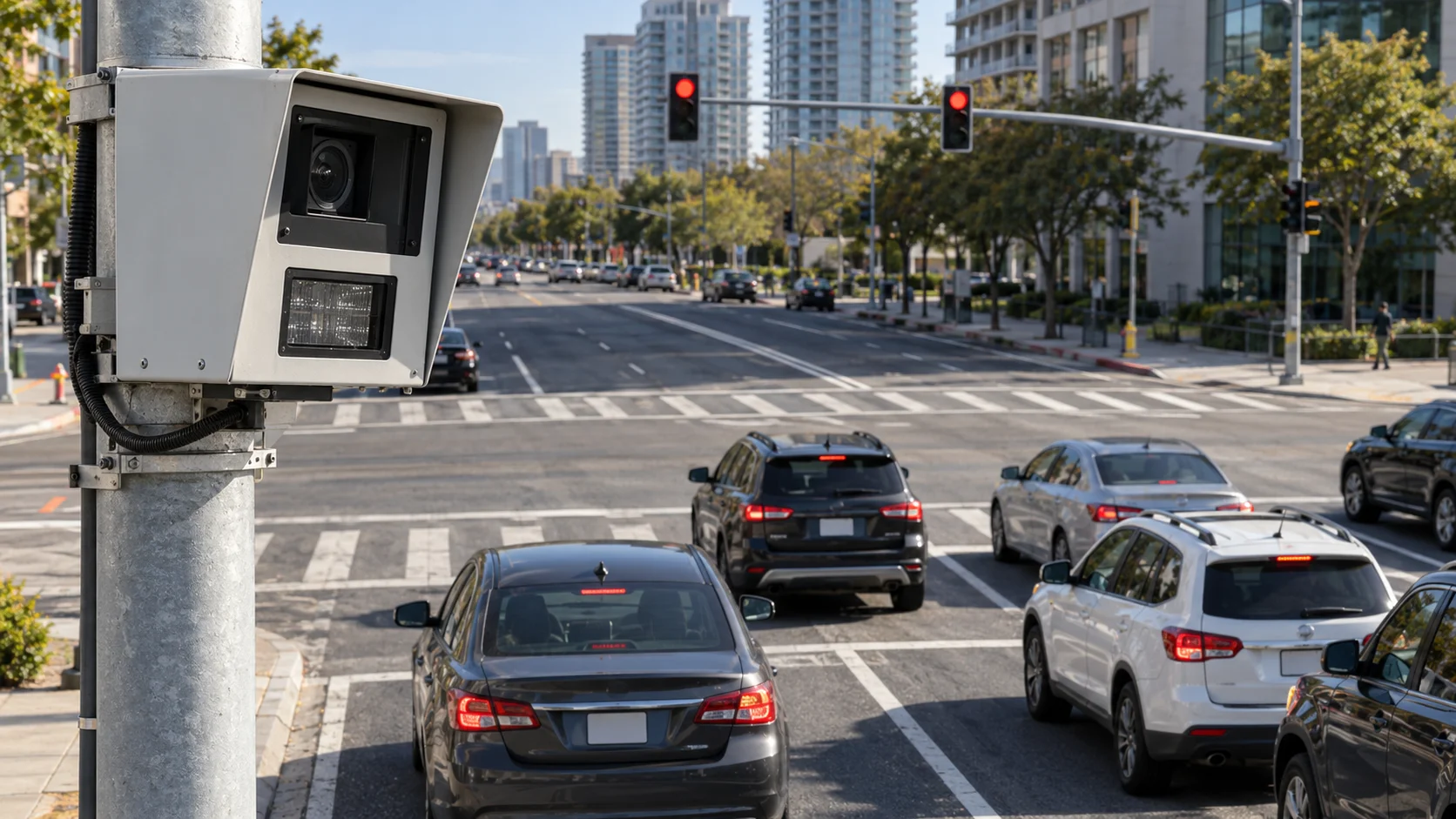
Check the issuing agency and its evidence portal before you decide whether to pay or contest a notice.
Quick Answer & Key Takeaways
To verify a red-light or speed-camera notice, find the issuing city or agency, visit its official site directly, and compare the notice number, plate, location, date, and available photos or video. If you dispute it, follow that agency’s hearing instructions and deadline, then submit evidence that addresses the specific alleged violation. Camera tickets often use an administrative hearing rather than an ordinary traffic court trial.
- Go to the agency’s official site yourself instead of following a surprise text link.
- Review the image or video and the full notice.
- Preserve the deadline and confirmation of any hearing request.
- Rules, owner liability, and appeal rights differ by jurisdiction.
Verify the Notice Before Paying or Responding
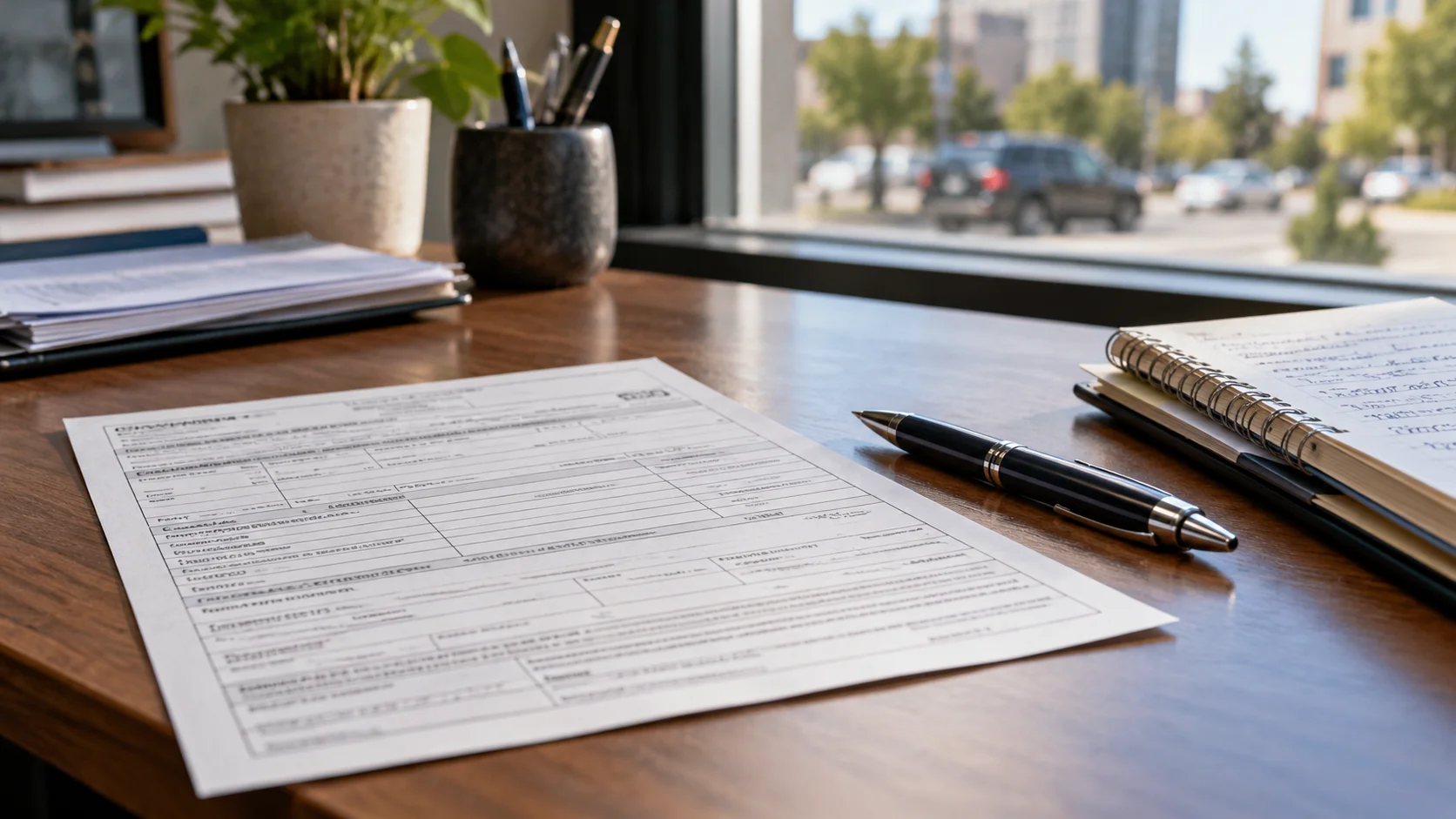
Read the issuer’s name, notice number, plate, location, date, alleged violation, and response deadline. Navigate to the city or agency website independently and use its ticket lookup. Do not rely on a payment link sent by an unexpected text or email. In New York City, the Department of Finance tells recipients to review camera evidence through the website printed on the official notice.
Compare the vehicle and plate in the evidence with your registration. Confirm that the road, direction, and time make sense. Keep a copy of the notice and any downloadable images, video, or lookup record.
Check What the Camera Allegedly Recorded
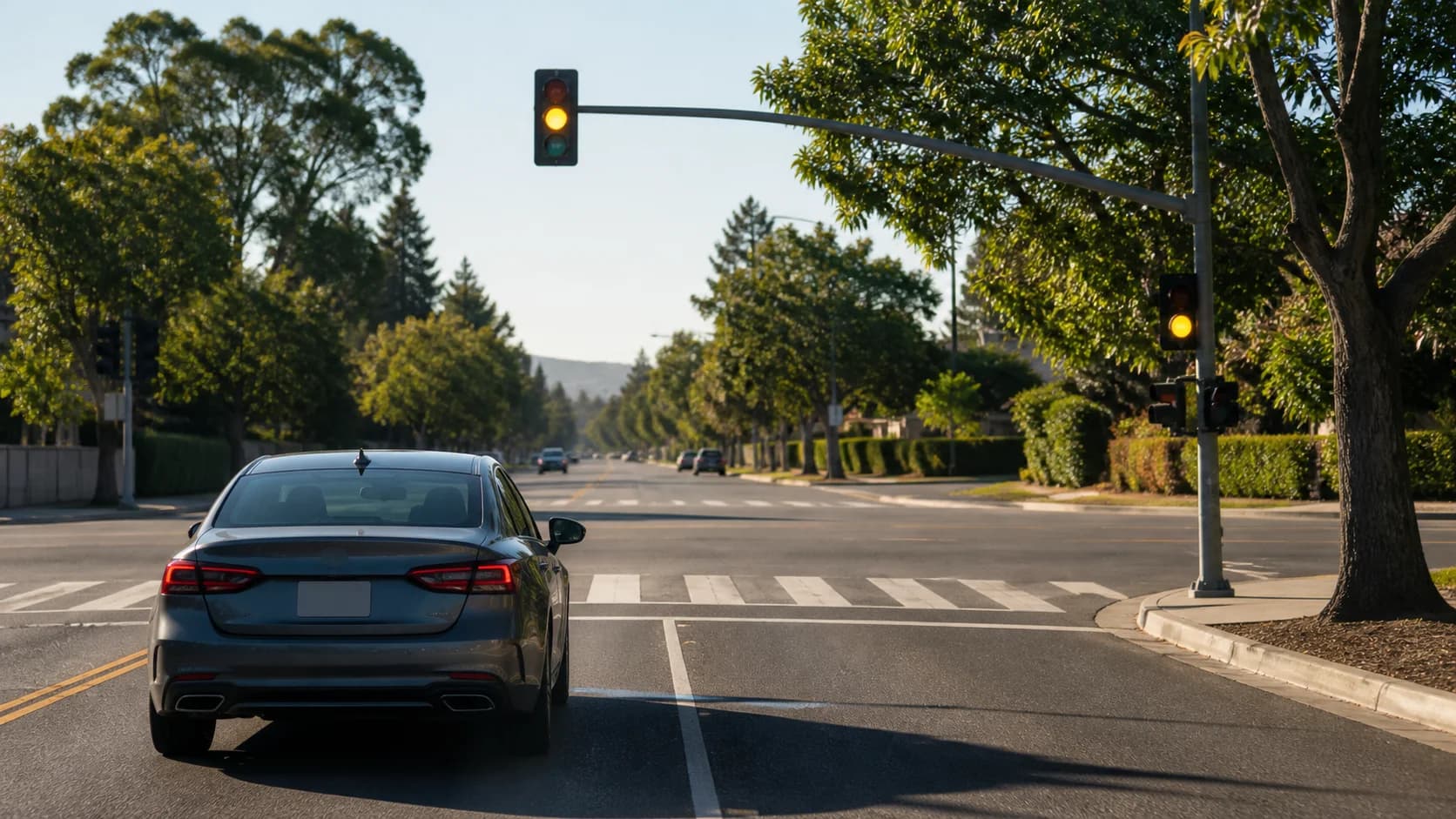
A red-light notice and a speed-camera notice allege different facts. For a red-light notice, review the signal sequence and vehicle position shown in the official images or video. Our yellow light guide explains how to approach a changing signal, but the law and evidence in the issuing jurisdiction decide the ticket.
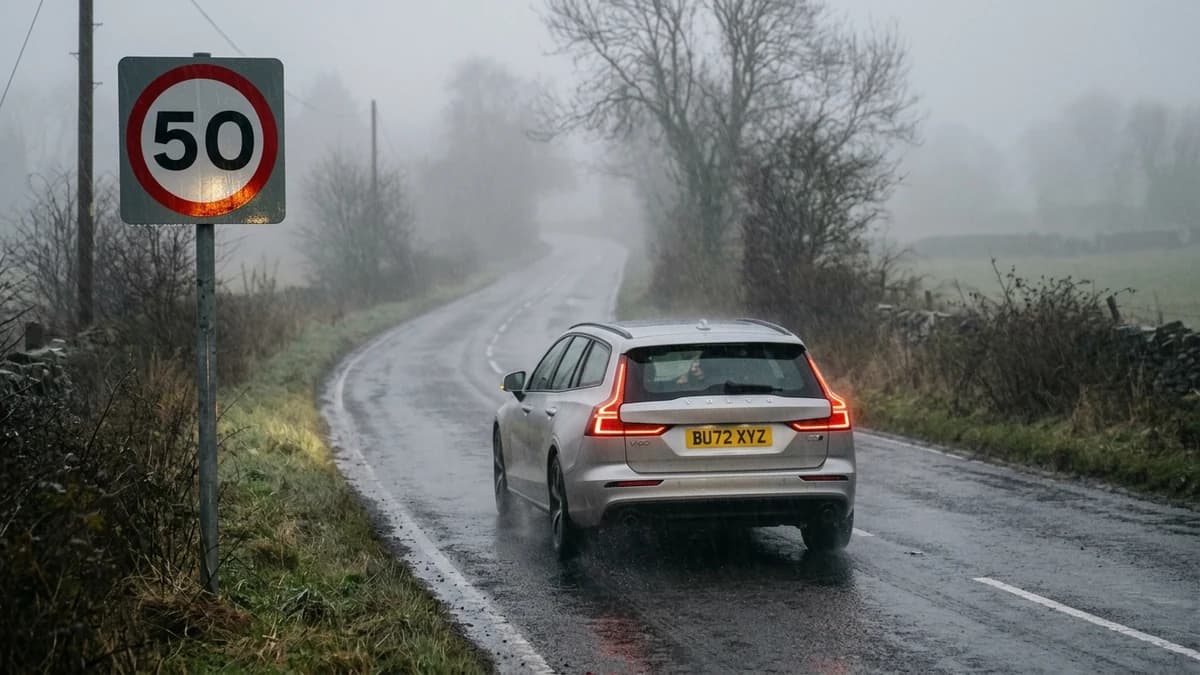
For a speed notice, check the measured speed, posted limit, location, and any school or work-zone conditions stated on the notice. A limit can differ from the general roadway limit; read the local rule. See our speed law guide for the difference between a posted limit and safe speed.
| Notice type | Evidence to review | Common record to compare |
|---|---|---|
| Red light | Signal and vehicle position | Intersection and date |
| Speed | Recorded speed and location | Posted limit and zone |
| Either | Plate and vehicle image | Registration information |
How to Request a Hearing
- Read the notice: Identify the issuing agency and the deadline for a hearing or written contest.
- Choose an allowed method: NYC permits online, mail, app, and in-person hearings for camera notices; another city may differ. NYC 311 advises requesting a hearing within 30 days of issuance to avoid penalties if the dispute fails.
- Explain one clear defense: Attach evidence tied to a specific error, such as a plate mismatch, incorrect location, or relevant agency record.
- Save proof: Keep the submission confirmation and calendar the decision or appeal deadline.
DC DMV lists virtual, online, mail, and in-person contest options and says not to pay before contesting because payment closes that option there. This is a DC rule; follow the agency that issued your own notice.
Use Evidence That Addresses the Notice
Helpful records may include registration documents, a police report, photos of the location, or an agency record. NYC asks recipients to review the camera evidence, read the cited law, and explain their facts in detail. It also says linked videos are not opened by its online hearing judge; submit evidence in the accepted format. If your evidence itself is video, check whether an in-person hearing is required.
Do not assume that “someone else was driving” is a valid defense. Many camera programs issue notices to the registered owner, but liability rules vary. If the decision goes against you, read the appeal instructions immediately; NYC says appeals must be filed within 30 days of its decision. For an officer-issued moving violation instead, use our traffic court guide.
Knowledge Check
A text message says you owe a speed-camera fine and links to a payment page. What should you do first?
If a police officer issued the citation, read the traffic court guide.
Authoritative Sources & Regulatory References
Content and statutory guidelines in this guide are verified against official state vehicle codes, federal transportation standards, and authoritative regulatory documentation:
- NYC Department of FinancePreparing for a Parking or Camera Violation Hearing(NYC camera evidence and hearings)
- NYC 311Parking Ticket or Camera Violation Dispute(NYC hearing methods and timing)
- DC DMVContest Parking and Photo Enforcement Tickets(DC photo ticket contest process)
90% of people found this article helpful.
Click a star to add your vote
145 votes • average 4.52 out of 5
Ready to Pass the DMV Test on Your First Try?
Practice real 2026 DMV questions with instant answer explanations, simulated timers, and pass-guarantee study guides.
Start Free Practice Test